Physical Address
5206 Hwy 5 N Suite 100, Bryant, AR, United States, Arkansas
Physical Address
5206 Hwy 5 N Suite 100, Bryant, AR, United States, Arkansas


Collecting a W-9 is only half the job.
The harder part is what happens after the form comes in. If the completed W-9 ends up buried in someone’s inbox, saved to a desktop, or dropped into a shared folder with no clear rules, the process is still weak. That matters because a W-9 contains sensitive vendor details, and the IRS instructions make clear that if a payee marks an address as “NEW,” you should update your records. The IRS also sends notices when a payee’s name and TIN do not match its records, which can force you to solicit updated information. If your records are scattered, those follow-ups get slower and messier.
That is why W-9 storage is not just a filing habit. It is an operations problem.
A lot of teams think the work is finished once a vendor submits the form. It is not.
A usable W-9 process has to answer a few practical questions:
Those questions are not theoretical. GetW9’s own content already points out that insecure storage, email attachments, and scattered records create delays, missing paperwork, and exposure around sensitive data. GetW9 also frames centralized storage, real-time tracking, and secure requests as core parts of the workflow, not side features.
Not everyone in the company needs full access to vendor tax forms.
That sounds obvious, but most small teams do the opposite. They dump forms into a shared drive and call it organized. It is not organized. It is lazy access control.
A simple working model looks like this:
This group usually needs the most practical access. They are the ones sending requests, checking status, following up on missing forms, and making sure vendor records are complete before year-end reporting.
This role usually needs oversight access. They may not send every request themselves, but they need visibility into missing forms, updated records, and exceptions that could slow reporting.
Some businesses need to share access with an external accounting partner. That access should be intentional, limited to what they need, and easy to revoke when the engagement changes.
These users may need status visibility, but not always full document access. In many cases, they only need to know whether the W-9 is complete, pending, or needs an update.
Default access should be no access. If someone does not need the form to do their job, they should not be browsing vendor tax data out of convenience.
This is not an IRS rule written in one line somewhere. It is basic operational discipline. The principle is simple: give people the least access they need to do the job properly.
Email is convenient. That is exactly why people keep making this mistake.
GetW9 already says it directly: you should never email a W-9 because email is not a secure way to send sensitive information like a Social Security Number or EIN. Its collection guidance also says to avoid email attachments and use a secure form link instead. That advice lines up with the broader operational problem: inboxes are bad systems of record. They are hard to search across teams, easy to forget, and terrible for access control.
Email also creates version confusion:
That is not storage. That is duplication with extra failure points.
You do not need a massive policy document to fix this. You need a few rules that people actually follow.
Start with these:
Do not let the “official” W-9 live in five places. Pick one place where the current version is stored and managed.
Some team members need to know whether a W-9 is complete. Fewer people need to open the actual document.
If someone leaves the company or no longer works with vendor setup, their access should go away. This is where shared folders quietly become a problem.
If a vendor changes legal name, address, entity type, or TIN details, the updated form should be easy to find and connected to the same vendor profile. The IRS instructions explicitly say to update your records if the payee marks the address as “NEW,” and name/TIN mismatch notices are a real issue if your records drift away from what the IRS has on file.
Someone should clearly own follow-up when a form is incomplete, outdated, or inconsistent with the rest of the vendor record.
This is where most teams break down. Everyone assumes someone else is handling it.
A W-9 storage process is only useful if the stored record is still usable.
That means reviewing the record for the details that actually create filing problems later:
GetW9’s vendor-data guidance makes this point clearly: getting the form is not enough if the name, TIN, or address is wrong. It also recommends requesting a fresh W-9 when key details change and using TIN Matching where appropriate to catch mismatches earlier.
A stored form is not valuable just because it exists. It has to still reflect reality.
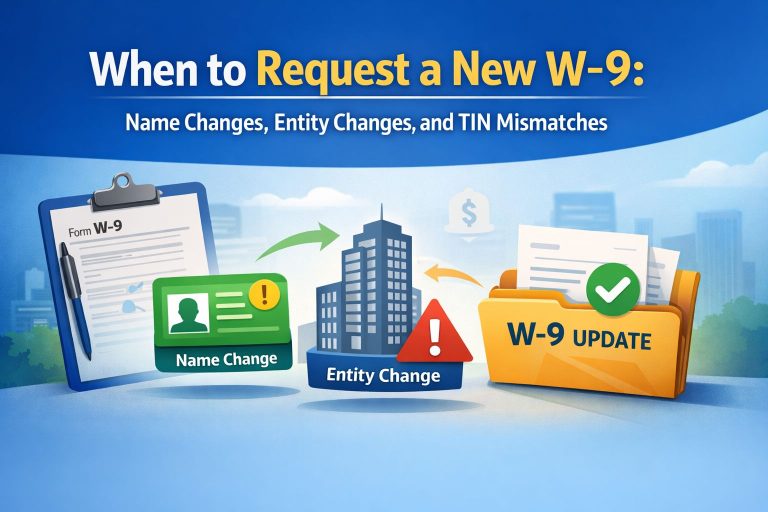
You should review or request an updated W-9 when:
The IRS requester instructions say to update records when the payee marks an address as new, and they note that mismatch notices can trigger another solicitation process. That means storage and update workflows belong together. You cannot treat them as separate jobs. IRS
This is the part most teams ignore until things get messy.
A better workflow is not just “send the form faster.” It is:
GetW9’s own workflow content already positions the product around secure requests, reminders, real-time tracking, centralized storage, and organized vendor records. That makes this a natural fit for teams that are tired of relying on inboxes, spreadsheets, and whoever last touched the file.
A missing W-9 is a problem. A badly stored W-9 is a slower, quieter problem that usually shows up later.
The goal is not just to collect forms. The goal is to know where they live, who can see them, and how quickly your team can act when something changes.
If your current answer is “it’s probably in someone’s email,” your process is weaker than you think.
You can, but it is a weak process. GetW9’s own guidance says to avoid email attachments for W-9s and use a secure form link instead, because email is not a secure or reliable long-term storage method for sensitive tax information.
Usually AP or finance ops need the most direct access. Controllers may need oversight. External accountants may need limited access. Most other users only need status visibility, not the full document. That is an operational recommendation based on least-necessary access, not a one-size-fits-all IRS rule.
When the vendor’s legal name, address, entity type, or TIN details change, or when you run into a mismatch issue. The IRS requester instructions specifically say to update records if a payee marks an address as “NEW,” and mismatch notices can require another solicitation.