Physical Address
5206 Hwy 5 N Suite 100, Bryant, AR, United States, Arkansas
Physical Address
5206 Hwy 5 N Suite 100, Bryant, AR, United States, Arkansas

If you can’t answer this in 10 seconds…
“Which vendors are missing a W-9 right now?”
…you’re not “a bit behind.” You’re exposed.
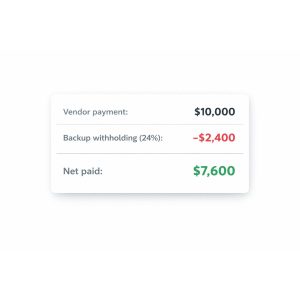
Because in certain situations, the IRS can require you (the payer) to withhold 24% from future payments. That’s backup withholding and it’s one of the fastest ways to turn a normal vendor payment into a messy compliance problem.
This guide breaks down:
Not tax advice. This is operational guidance. For filing specific decisions, talk to your CPA.
Backup withholding is when the payer must withhold tax at the current rate of 24% from certain reportable payments in specific cases (often tied to missing/incorrect taxpayer info).
The business reality:
Most of the time, it’s not because you “did something wrong on purpose.” It’s because your Name/TIN and W-9 process isn’t tight.
Common trigger patterns include:
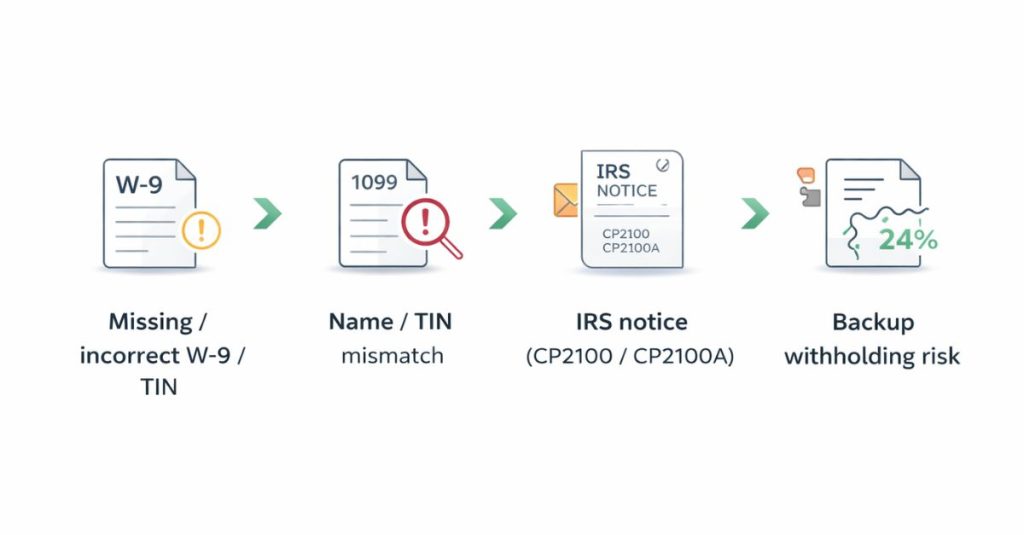
If you file information returns with missing/incorrect Name/TIN combinations, the IRS may send a CP2100 or CP2100A notice telling you to correct the issue and follow backup withholding procedures.
Two operational details that matter:
If your vendor data is scattered across inboxes and spreadsheets, responding to these becomes painful.
You’ve basically told yourself: “We’ll remember later.” You won’t especially at scale.
Vendor data is split across:
That’s how mismatches are born.
“In someone’s inbox” is not storage. It’s future failure.
As of the IRS’s 2026 Employer’s Tax Guide (Publication 15), the backup withholding rate remains 24%.
Publication 15 (2026) states that for reportable payments under IRC 6041(a) or 6041A(a) that are made in calendar year 2026 and subject to backup withholding, a new law raises the aggregate reportable payment threshold from $600 to $2,000, and it will be inflation-adjusted after 2026. IRS
Here’s what not to do:
Don’t treat this as permission to get lazy about W-9s.
Why?
If anything, this makes clean intake more important, because teams will be tempted to “ignore small vendors,” and that’s how your data integrity collapses.
Right now, the currently published Form W-9 is Rev. March 2024.
But the IRS released a draft of a revised Form W-9 with a January 2026 revision date, largely reflecting:
Practical takeaway:
If your company uses a “saved” W-9 PDF template, vendor onboarding packet, or an embedded form on a portal plan to review/update it when the final 2026 W-9 is released.
Form W-9 is used to provide the correct TIN to a requester who may need to file an information return.
So stop paying vendors when their tax identity is still “TBD.”
You need statuses like:
If you can’t see this in one place, you’re flying blind.
When someone asks “Do we have the W-9?” you should answer in seconds not start a scavenger hunt.
Don’t improvise. Follow a repeatable playbook.
The IRS points requesters to Publication 1281 for “B” notice procedures and copies of the notices.
At a high level:
GetW9 is designed to make W-9 collection a process:
That’s it. It replaces inbox chaos with a workflow.
Backup withholding is usually the symptom. Broken vendor intake is the cause.
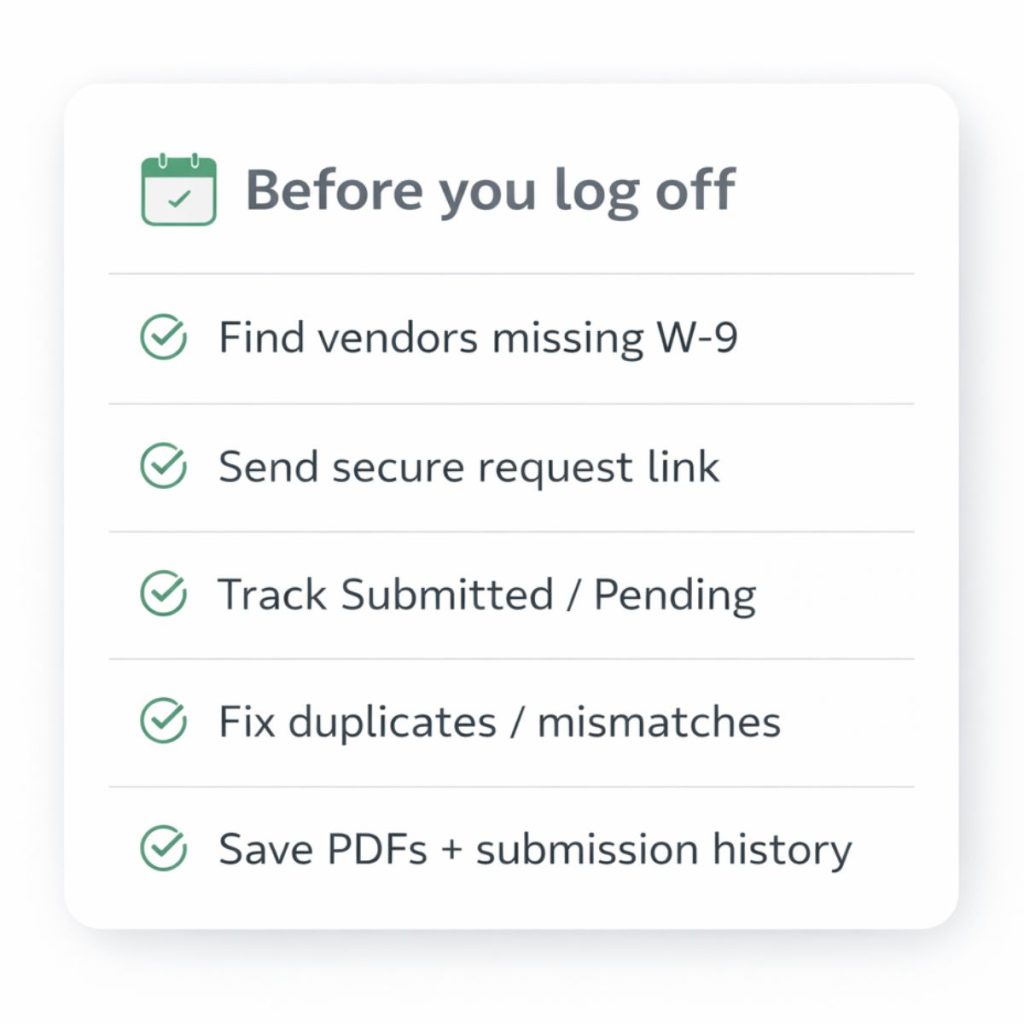
This week (before you log off), do one thing:
Identify vendors paid this year who don’t have a clean W-9 on file.
If you can’t do that quickly, your process isn’t “fine.” It’s just untested until January tests it.