Physical Address
5206 Hwy 5 N Suite 100, Bryant, AR, United States, Arkansas
Physical Address
5206 Hwy 5 N Suite 100, Bryant, AR, United States, Arkansas


To fix W-9 mistakes before filing 1099s, check the taxpayer name, tax ID, tax classification, and mailing address. Ask the vendor to correct inaccurate information, then update your accounting records. If you received an IRS notice, follow its required response process.
Fall is a useful time to review vendor records before the 2027 filing season. A small error can create extra work when you prepare tax year 2026 information returns. This guide separates routine W-9 cleanup from IRS notice procedures so your team can take the right next step.
Start with these checks. A form that looks complete can still contain the wrong taxpayer information.
Do not assume a trade name belongs on line 1. Use the taxpayer name required for the vendor’s tax classification. Put a different business or DBA name on line 2.
Check line 1 and Part I together. For example, a disregarded LLC’s name paired with its individual owner’s SSN can cause a mismatch. Ask the vendor to confirm the correct combination.
“LLC” alone does not tell you how a business is taxed. A disregarded LLC follows its owner’s classification. An LLC taxed as a corporation or partnership uses the applicable classification. Ask the vendor to confirm uncertain cases with their adviser.
Tax classification is only one part of deciding whether a payment needs a 1099. Payment type, amount, method, and exceptions also matter. See the IRS instructions for W-9 requesters.
SSNs and EINs contain nine digits. Flag blanks, extra digits, and letters for review. A number with the correct length can still be wrong, so do not treat a format check as validation.
Do not label every unsigned W-9 invalid. For many ordinary business payments, a correct TIN is required but a signature generally is not, unless the payee was notified of a previously incorrect TIN. A First B-Notice response requires a signed W-9. Your collection policy may also request a signature.
Use the current IRS form for new requests. However, age alone does not mean a stored W-9 is wrong. Review whether the information is still accurate and whether any relevant fields or certifications need updating.
Check street details, suite or unit numbers, city, state, and ZIP code. Address errors can lead to returned recipient copies. Address standardization helps mailing accuracy; it does not establish the vendor’s identity.
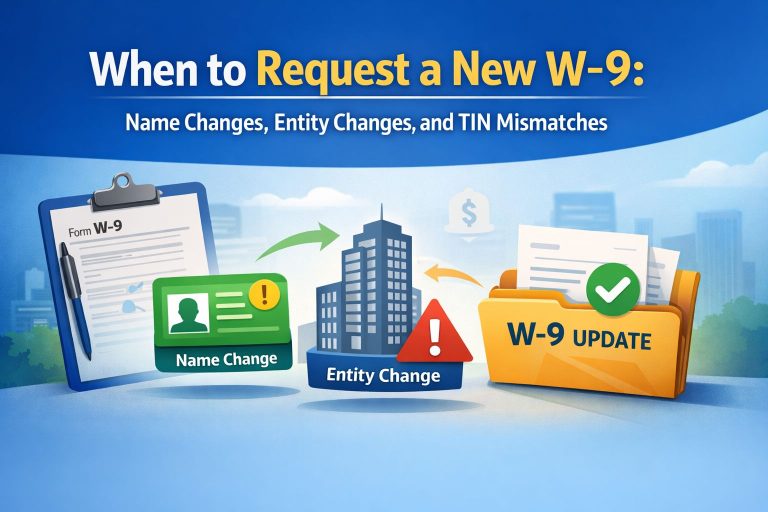
Ask vendors to report changes to taxpayer names, tax IDs, addresses, and tax treatment. Review what changed before requesting a replacement form. A bank-account change is a separate payment-control issue; a W-9 does not authorize new payment instructions.
The examples below assume U.S. vendors. They illustrate common cases, not every ownership structure.
| Vendor type | Line 1 | Line 2 | Tax ID in Part I |
|---|---|---|---|
| Sole proprietor | Individual owner’s name | Business or DBA name, if different | Owner’s SSN or EIN, if the owner has one |
| Single-member LLC disregarded for tax purposes, with an individual owner | Individual owner’s name | LLC’s name | Owner’s SSN or EIN, if the owner has one |
| LLC taxed as a partnership or corporation | Entity’s tax-return name | Different business or DBA name | Entity’s EIN |
| C or S corporation | Corporation’s tax-return name | Different business or DBA name | Corporation’s EIN |
Use the current Form W-9 instructions for name, TIN, and signature rules. For an entity-owned disregarded LLC, follow the owner rules rather than assuming an individual’s name belongs on line 1.
A CP2100 or CP2100A is an IRS notice to the payer about missing or incorrect payee tax IDs. A B-Notice is the notice the payer sends to an affected payee when the applicable mismatch rules require it.
First, compare the IRS listing with your records. A reporting error, record update, or IRS processing error may require a different response from an unresolved vendor mismatch. Do not automatically send every listed vendor a new W-9. See the IRS CP2100/CP2100A guidance.
When required, send the First B-Notice and Form W-9 within 15 business days of the IRS notice date or receipt date, whichever is later. If the payee does not return a signed W-9, begin backup withholding no later than 30 business days from that same starting date.
A second qualifying notification within three calendar years follows a different process. Send the required Second B-Notice; do not include a W-9. Obtain the prescribed IRS or SSA validation. Publication 1281 includes special rules for repeated notices in the same year.
Follow IRS Publication 1281 for mailing requirements, validation documents, and withholding deadlines. It also explains why a CP2100 response generally does not call for a corrected 1099 solely to fix a name/TIN mismatch. Separate filing errors may need a different correction process.
A routine secure W-9 request or reminder does not replace a required B-Notice or its delivery rules.
Do not assume a missing TIN gets the same waiting period as a First B-Notice mismatch. For payments subject to backup withholding, a missing TIN generally requires withholding immediately. The current rate is 24%.
Ask your tax professional to apply the IRS backup-withholding rules, including exceptions, deposits, and reporting. Keep records of TIN requests and follow-up actions.
The IRS says current FIRE users must transition to IRIS for tax year 2026 information returns filed during the 2027 filing season. If your business uses FIRE, review access, software, and filing arrangements now. See the IRS transition announcement.
Do not assume every mismatch rejects an entire submission. Read the acknowledgment and follow the process for its status. Accepted-with-errors and rejected filings require different handling. Check the IRS IRIS resources before resubmitting, so you avoid duplicate filings.
getW9 lets vendors complete W-9s online through secure links. Completed PDFs and details are stored in your account. Its published features include automatic reminders, bulk requests, data exports, and QuickBooks Online integration.
The Giga plan includes USPS address validation to help catch mailing errors. getW9 also states that it encrypts information using AES-256.
These features support collection and recordkeeping. Your team still needs to review accuracy, apply reporting rules, and complete any required IRS notice process.
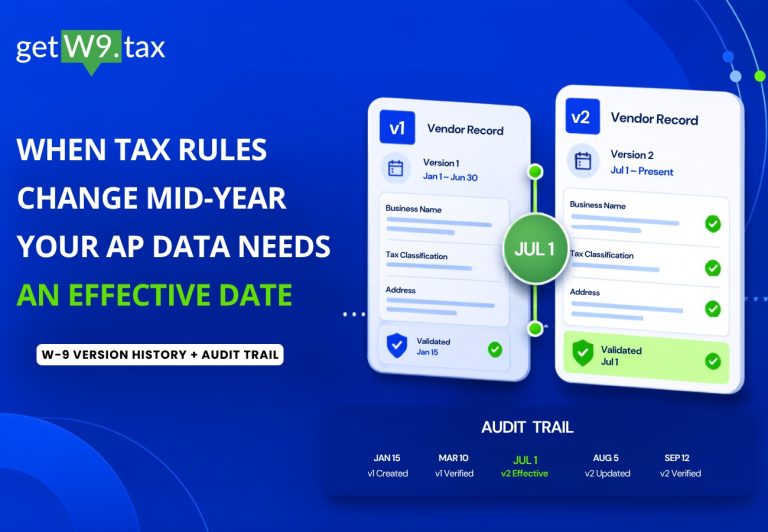
Ask the vendor to submit corrected information rather than altering their certification. Keep the original form and an audit trail of updates to your records.
A bank change alone is not a change to W-9 tax information. Verify payment instructions separately through a trusted contact. Request updated tax information when that information changes.
Use a review process instead of assuming every form expires annually. Confirm whether the vendor’s information changed or a specific notice or requirement calls for new documentation.
A normal getW9 request is a collection tool. Do not treat it as the required B-Notice. Use the IRS process for formal notices, and use getW9 for routine collection where appropriate.
Fix W-9 mistakes early so your team has time to resolve exceptions. Keep the vendor’s form, your accounting records, and your filing data aligned.
Ready to simplify collection? Explore getW9 and start a 7-day free trial.
Reviewed October 5, 2026. This guide provides general information, not individualized tax or legal advice. Follow current IRS instructions and consult your tax professional about your situation.