Physical Address
5206 Hwy 5 N Suite 100, Bryant, AR, United States, Arkansas
Physical Address
5206 Hwy 5 N Suite 100, Bryant, AR, United States, Arkansas

If you’ve ever received a CP2100 notice, you already know the pain: a vendor name/TIN mismatch turns into follow-ups, documentation, and sometimes backup withholding. The frustrating part is most of these issues are preventable.
That’s what IRS TIN Matching is for.
TIN Matching helps you validate a vendor’s name + taxpayer identification number (TIN) combination before you file information returns like 1099s. It doesn’t replace collecting a W-9 it complements it.
This guide breaks down:
TIN Matching is an IRS e-Services tool that checks whether the payee name + TIN you have on file matches IRS records before you submit information returns.
A “TIN” can be:
In plain terms: TIN Matching reduces the odds you’ll file a 1099 with bad vendor data.
These get mixed up constantly, so here’s the clean separation:
A W-9 is the vendor’s statement of:
It’s the “source of truth” you collect from the vendor.
TIN Matching is what you use to:
Bottom line:
Collect W-9s first. Then TIN match your records before you file.
Here are the moments when it actually pays off:
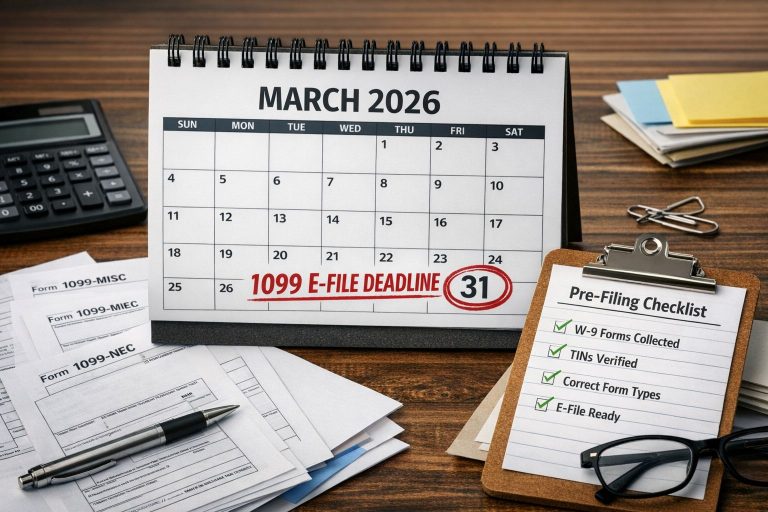
Run TIN Matching before you generate or file your 1099s. This lets you fix mismatches while you still have time.
If your business regularly pays contractors, freelancers, agencies, or vendors that could receive a 1099, it’s smart to validate early not at year-end.
If a vendor says “We changed our name” or “We’re now an LLC,” you should treat that as a data-risk moment. Collect an updated W-9 and validate your record.
If the IRS flags a mismatch, your priority is response and documentation. TIN Matching won’t erase that notice but it helps you prevent repeats by correcting your vendor master data.
If you’re doing a vendor master overhaul (deduping, fixing DBAs, standardizing legal names), validating the updated records is a smart final step.
TIN Matching is useful, but it’s not magic. Don’t waste time using it for:
Use it where it reduces real risk: name/TIN mismatch on reportable payments.
Most mismatches are not “fraud” they’re just messy vendor data. TIN Matching helps catch:
One digit off in an EIN is enough to trigger mismatch problems later.
Vendors often write a business name / DBA when the IRS record is tied to a different legal name.
For individuals, small name differences can matter depending on how IRS records are set.
Example: vendor gives EIN, but their payments should be tied to an individual/SSN in the way they report.
Vendor got married, changed business name, changed entity, or corrected their info — but your system still has the old combination.
This is the part people ignore then wonder why they still have problems.
TIN Matching does not:
Think of it as a filter. Not a shield.
The IRS generally offers two modes:
Best for:
Best for:
If you’re dealing with hundreds (or thousands) of vendors, Bulk is the realistic option.
You don’t need a complicated compliance program. You need a repeatable workflow.
This is the easiest point to enforce compliance without drama.
Use a rule like:
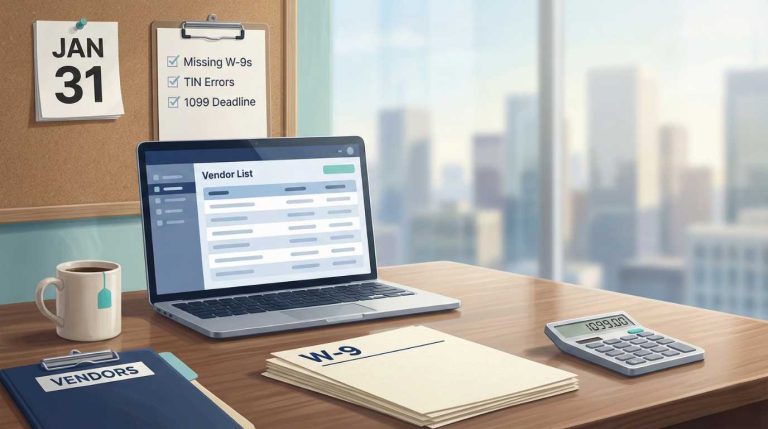
Run TIN Matching during your pre-1099 checklist window (not the week of filing).
Don’t accuse. Don’t ramble. Just be clear and neutral.
Example message (vendor-friendly):
“Hi, we’re updating our tax records for year-end reporting. The name/TIN combination we have doesn’t match IRS records. Can you confirm your legal name and TIN by submitting an updated W-9 using this link?”
If you ever get questioned internally (or in an audit), you want to show:
Use this as your weekly asset (turn it into a one-page graphic later):
TIN Matching is about validation. GetW9 is about getting clean, consistent W-9 data into your system so validation is actually usable.
With GetW9, teams typically use it to:
If your current process involves email attachments and manual typing, you’re manufacturing mismatches. Fix the intake process first — then validation becomes easy.
If you do nothing else, stop these:
Not always. But it’s a strong preventative step if you file information returns and want to reduce mismatch issues.
No. TIN Matching validates the record. The W-9 is the vendor’s certification and the source document you need on file.
At minimum: before filing 1099s.
If you have high vendor turnover: consider a monthly or quarterly vendor audit run (especially after onboarding spikes).
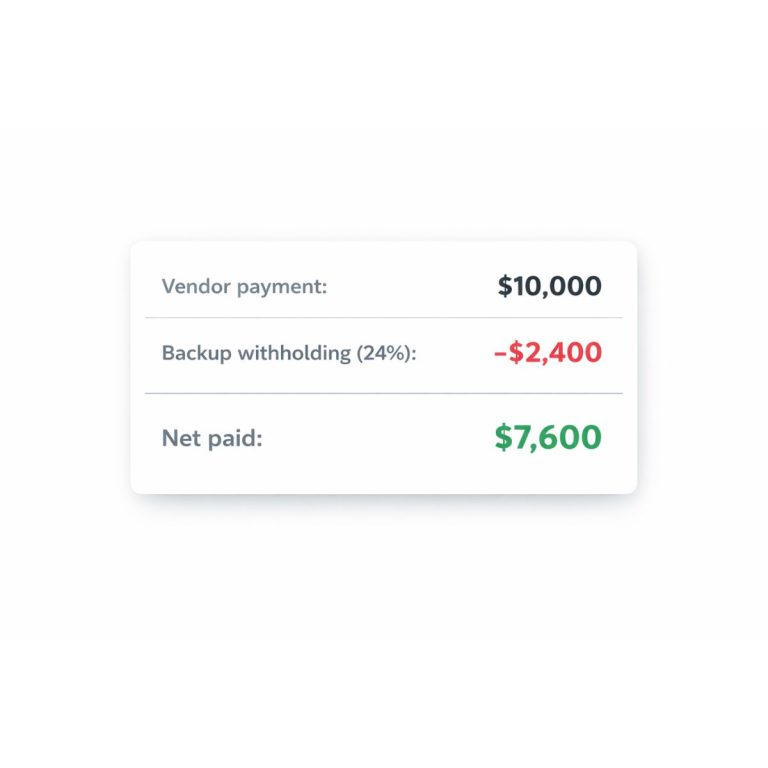
Follow the CP2100/B-Notice process. Don’t improvise. Your goal is compliance, documentation, and starting/stopping backup withholding when required.
Not reliably. Fraud prevention requires controls like bank-change verification, segregation of duties, and secure intake — separate topic.
TIN Matching is not a “nice-to-have” for AP teams who file 1099s. It’s a prevention tool that helps you:
The winning combo is simple:
Collect clean W-9s → enforce naming rules → validate before filing → keep an audit trail.