Physical Address
5206 Hwy 5 N Suite 100, Bryant, AR, United States, Arkansas
Physical Address
5206 Hwy 5 N Suite 100, Bryant, AR, United States, Arkansas

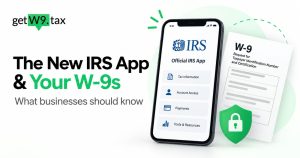
The new IRS app expands mobile access to personal tax services. Businesses still need a separate process to request, review and store vendor W-9s. Here is what the update means for your accounts payable workflow.
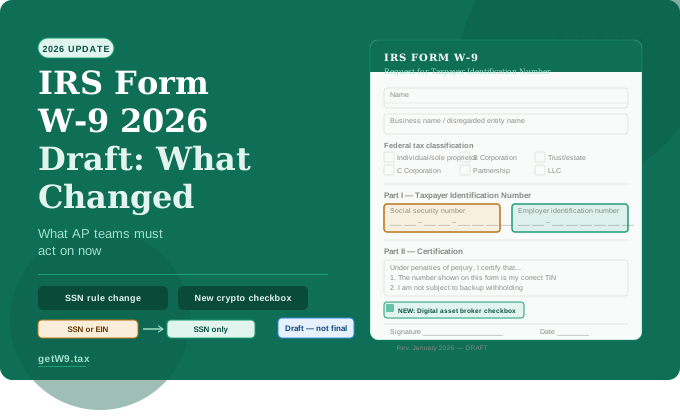
Featured image: illustration only, not an actual IRS app screenshot.
On September 25, 2026, the IRS announced that IRS2Go was becoming the IRS app. The update initially adds selected Individual Online Account services, while IRS.gov remains the broader source for tax tools and business account access.
Read the announcement: IRS mobile app announcement
The app supports refund and amended-return tracking, payments, available tax records, notices and profile updates. The launch announcement also lists access to an Identity Protection PIN. Availability depends on the service and your account.
The app is free. Existing IRS2Go users can receive the update automatically if automatic updates are enabled, or update manually through their app store. For verified download links, start with the official IRS page.
The IRS’s published launch features do not include requesting or collecting W-9s from vendors. For a business paying contractors, that work remains part of vendor onboarding and payment reporting.
Downloading the app does not tell your bookkeeper which vendors have missing forms or whether their records are ready for year-end reporting. Assign someone to own those checks and give that person a clear way to follow up.
Form W-9 provides a requester with a payee’s taxpayer identification number and certifications. In a contractor workflow, it helps the payer obtain the details needed for applicable information returns. The completed form goes to the requester, not to the IRS. For related collection and onboarding guides, browse our W-9 resource hub.
Form W-9 is intended for U.S. persons for federal tax purposes, including resident aliens. Foreign payees generally need an appropriate Form W-8 or, in some situations, Form 8233. Confirm the correct documentation before sending every vendor the same request.
For 2026 payments, the general federal Form 1099-NEC threshold for qualifying nonemployee service payments is $2,000 paid to a payee during the calendar year. The increase from $600 applies to covered payments; it does not apply to every type of information return.
Reporting also depends on the payment and recipient. Personal payments are not reported on Form 1099-NEC. Payments to corporations are generally exempt, with exceptions such as legal services. Payment-card and qualifying third-party network transactions fall under separate Form 1099-K reporting rules rather than the payer’s Form 1099-NEC.
IRS instructions for Forms 1099-MISC and 1099-NEC
As a practical onboarding policy, request the appropriate tax documentation when you start working with a vendor. Waiting until a reporting threshold is reached leaves less time to resolve incomplete records. Read more about OBBBA reporting changes and vendor W-9 records.
Use this checklist with the person who manages your vendor records. It is an operational starting point; your CPA can resolve the reporting and withholding questions.
These are sample workflow labels, not actual vendor records or IRS validation results. Assign each exception an owner and a follow-up date. Keep full TINs and completed W-9s in your controlled records system.
| Status | What it means | Next action |
|---|---|---|
| Missing form | No appropriate tax form is on file. | Confirm which form is needed and send a secure request. |
| Requested | A request was sent; the response is pending. | Record the request date and schedule a follow-up. |
| Correction needed | Submitted details are incomplete or unclear. | Ask the vendor to correct the specific issue; do not guess. |
| Reviewed | The designated person completed the internal completeness check. | Store the form securely and record the review date. Resolve any reporting or withholding questions separately. |
W-9s can contain sensitive taxpayer identification numbers. Use a controlled collection and storage process with encryption and access limited to people who need the records. Avoid unencrypted attachments and publicly accessible sharing links. A shared drive needs deliberate permissions and security settings; its name alone says nothing about its safety.
For the IRS app, follow links from IRS.gov. Be cautious about advertisements or unexpected messages offering tax-account access. Verify an unfamiliar request independently before entering personal or financial information.
Related reading: Protecting W-9 and 1099 data
With GetW9, you create a request and the vendor receives a link to complete their W-9 online. The completed PDF and details are stored in your account. Automatic reminders help with follow-up, and export tools help prepare vendor data for 1099 reporting.
Keep someone responsible for reviewing exceptions and checking that the records support the intended reporting. Software can simplify collection; the business still needs to resolve tax questions.
Start your 7-day free trial with GetW9
No. Send it to the person or business requesting your taxpayer information.
There is no blanket annual replacement requirement. Request updated documentation when relevant information or status changes, and check existing records periodically.
Backup withholding at 24% can apply when its conditions are met. Ask your CPA to determine the applicable trigger, threshold, exemption and timing. If backup withholding occurs, information reporting can be required regardless of the payment amount.
Further guidance: IRS backup withholding guidance
About the author: Akash P Vijayan is a digital marketing freelancer who creates GetW9 content on W-9 collection, vendor onboarding, and accounts payable workflows.
General information only. Ask a qualified tax professional how these rules apply to your business.